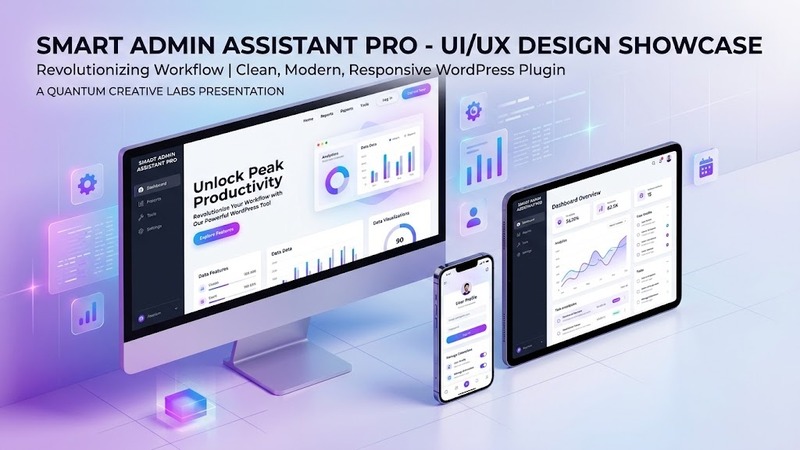
Overview & Real-World Use
I've been running WordPress sites long enough to know that the default admin dashboard isn't exactly a work of art — and it certainly isn't designed with clients or team members in mind. That's exactly where Smart Admin Assistant Pro comes in. I installed it on a few client sites this month and found it to be one of those quiet utility plugins you didn't know you needed until it's gone.
What makes this plugin stand out is its modular approach. Instead of forcing you to carry bloat across every page of the backend, it lets you flip individual features on or off. You end up with a lightweight footprint and a dashboard that actually matches how your team works. Whether you're managing a small business site, running a multi-author blog, or delivering a polished backend to a non-technical client, this plugin trims the noise and adds meaningful controls.
Design & Admin Workflow
The real test of any admin plugin is whether it gets out of the way while still doing useful work. Smart Admin Assistant Pro handles this balance well. The interface is clean, the module toggles are intuitive, and there's no clutter stacking up in your screen real estate.
On the content management side, the post duplication and ordering tools are genuinely useful. I've used flimsy duplication plugins before that break meta fields or leave orphaned revisions. This one handles it cleanly. The ordering module lets you drag-and-drop posts into custom sequences without touching a line of code — perfect for curated lists, featured content carousels, or any scenario where post order matters beyond date.
The UI enhancement modules are where the plugin really starts paying for itself. Hiding admin notices that your team doesn't need to see, customizing menu labels to match your client's terminology, and renaming items so everything speaks your language instead of WordPress's default jargon. These feel like small tweaks, but they add up fast when you're presenting a backend to someone who's not a power user.
There's no visual page builder integration here — this isn't a front-end tool. It's strictly focused on making the admin experience better, and it owns that lane well.
Practical Functionality
Let me walk through what I actually used and found valuable.
Content Management Modules. Post duplication works smoothly — titles, content, custom fields, and taxonomy terms all copy over correctly. The manual ordering feature gives you control without requiring custom taxonomies or hacky query modifications. For sites that run editorial calendars or curated landing pages, this alone justifies the install.
UI Enhancement Modules. The notice-hiding feature is underrated. WordPress loves throwing admin notices at you — update reminders, plugin recommendations, security warnings. You can selectively hide the ones your team doesn't need to see, which reduces distraction and confusion. Menu customization and item renaming are straightforward: pick the menu item, swap the label, save. Done. Your client will appreciate not seeing "Posts" when you call them "Articles" or "News."
Login & Security Tools. Basic but functional — you can tweak login URLs, add custom login page messaging, and set simple access controls. It's not replacing a dedicated security plugin, but for teams that want a light touch on the login side without overhead, it fits the bill.
Performance Utilities. The plugin includes tools to clean up dashboard widgets, manage scripts, and reduce unnecessary admin load. Nothing dramatic, but every bit helps when you're juggling multiple sites.
One thing I want to flag honestly: the plugin is scoped firmly at the admin level. If you're looking for front-end customization, theme editing, or content generation tools, this isn't it. But within its lane — making the WordPress backend easier to live in — it does a solid job.
Technical Specifications
| Specification | Details |
|---|---|
| Version | v2.4.1 |
| WordPress Compatibility | 6.0+ |
| PHP Version Required | 7.4+ |
| License Type | Commercial / Licensed |
| Bundled Plugins Required | None (standalone) |
| Recommended Add-ons | Optional — none required |
| Documentation | Available via developer portal |
| Update Frequency | Regular (v2.4.1 released September 2026) |
| File Size | Lightweight (~under 2 MB) |
Final Takeaway
Smart Admin Assistant Pro v2.4.1 is the kind of plugin I recommend to clients who want a professional backend without the learning curve. It's modular, so you only activate what matters. It's lightweight, so it doesn't slow anything down. And it focuses on the pain points that actually exist — messy admin interfaces, confusing menu labels, unnecessary notices — and quietly fixes them.
If you're a developer managing multiple sites, an agency handing off dashboards to clients, or a site owner who just wants WordPress to stop feeling like a cockpit you don't understand, this plugin earns its place in your toolkit. It won't dazzle you with flash. It'll just make your days easier.